BLOXCRAFT

Hang out · Customize · Compete

A free blocky multiplayer party game. Build your avatar, hang out in the lobby, and battle your friends across laser tag, dodgeball and paintball — on desktop.

Public Beta — Live Now ⚡ No Download — Play Instantly 🖥️ Desktop

No install — just make a free account and you're in a match in under a minute.
Watch

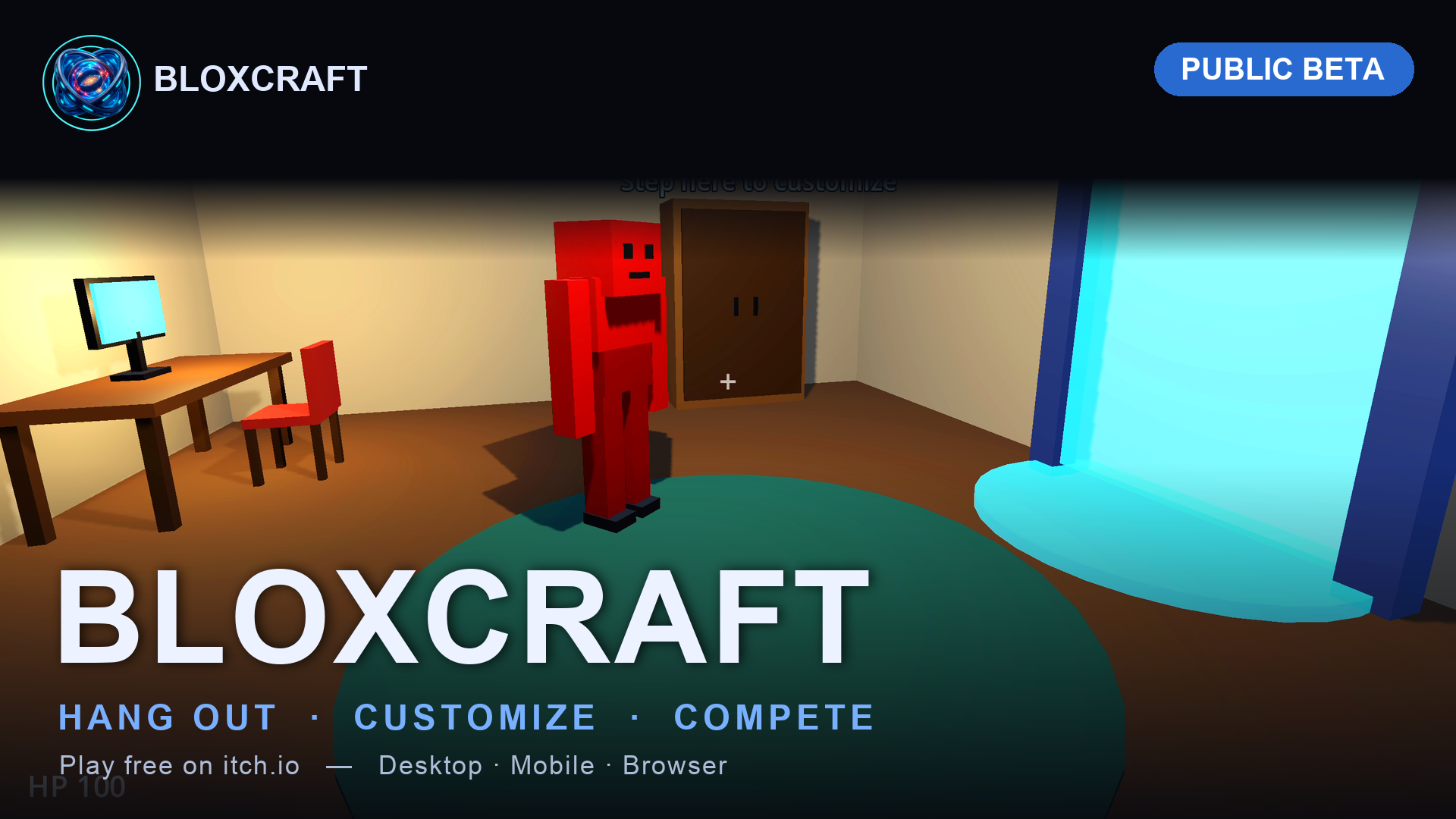
Official Trailer

See the lobby, avatar customization and the minigames in action.

▶ Watch on YouTube ↗

Real gameplay

Straight From the Game

No mockups — these are actual in-game shots.

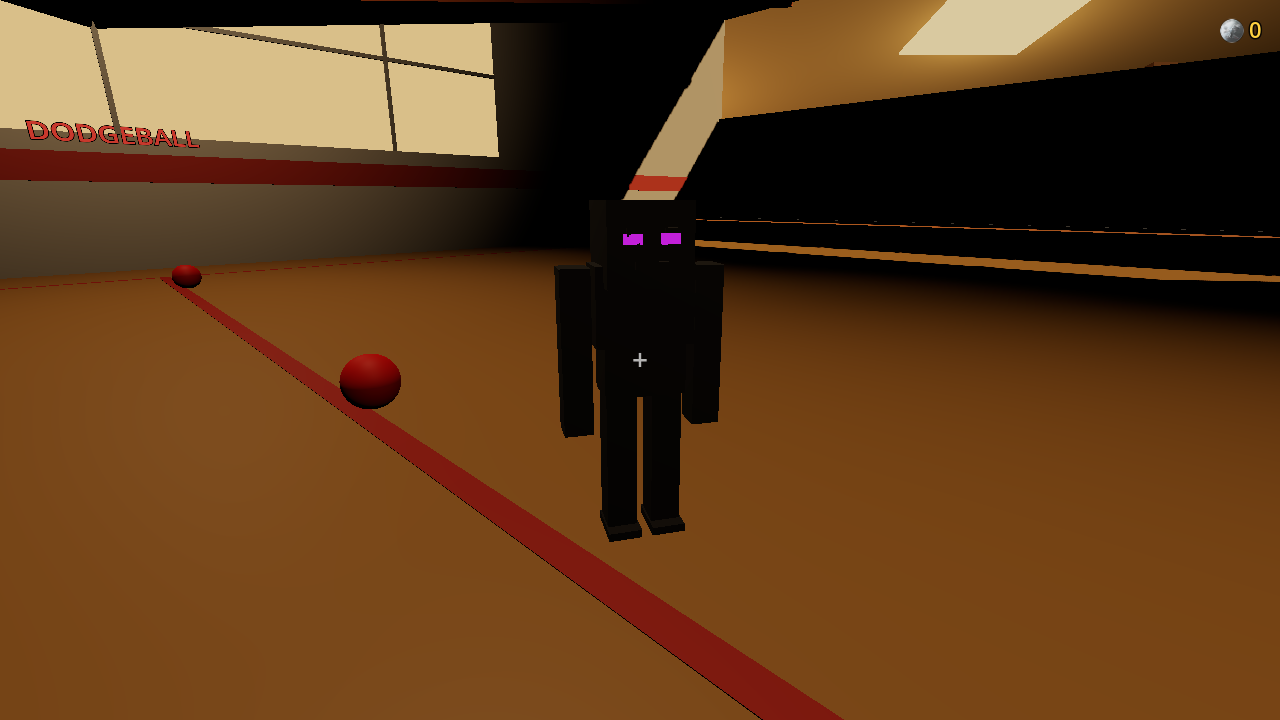
Dodgeball minigame in Bloxcraft
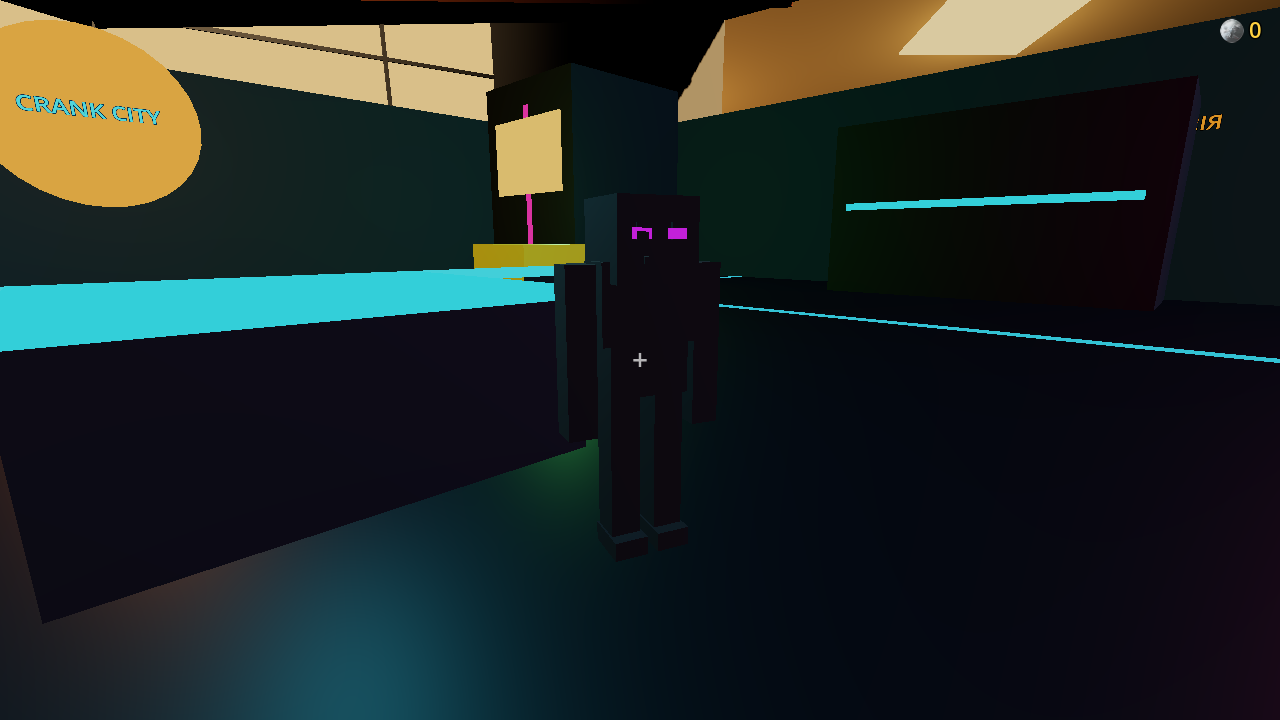
Laser Tag minigame in Bloxcraft
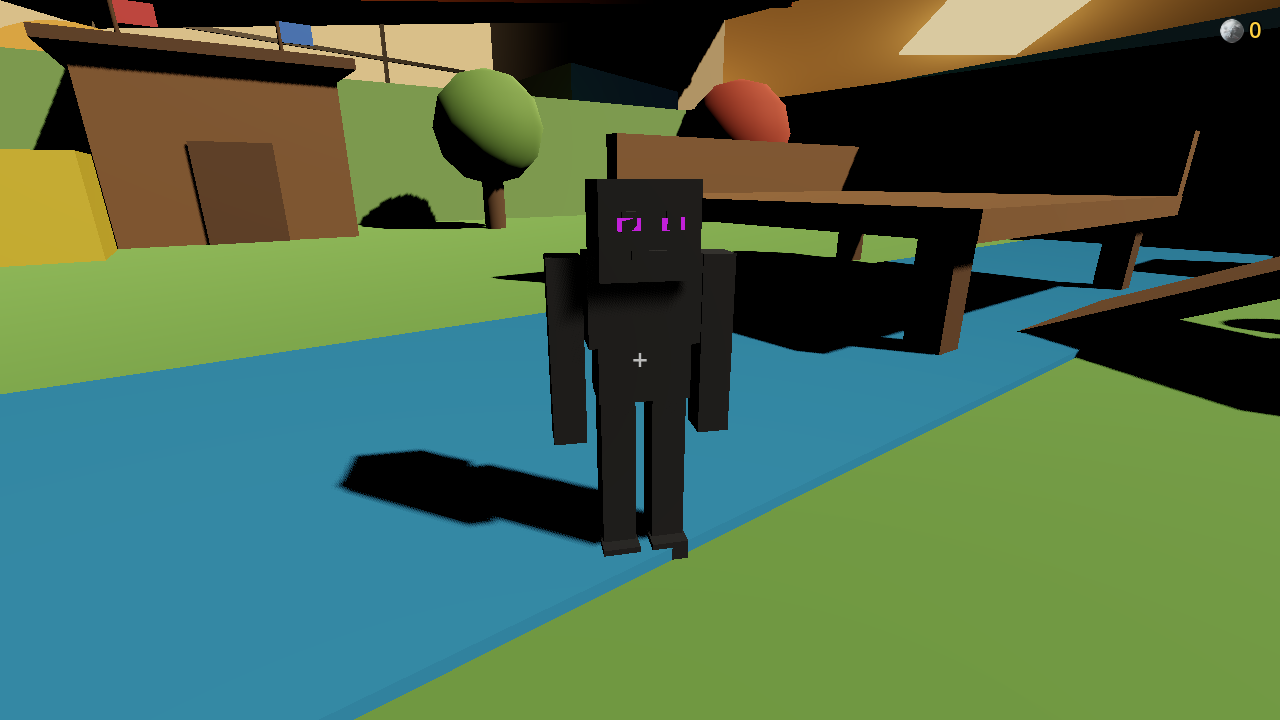
Paintball minigame in Bloxcraft
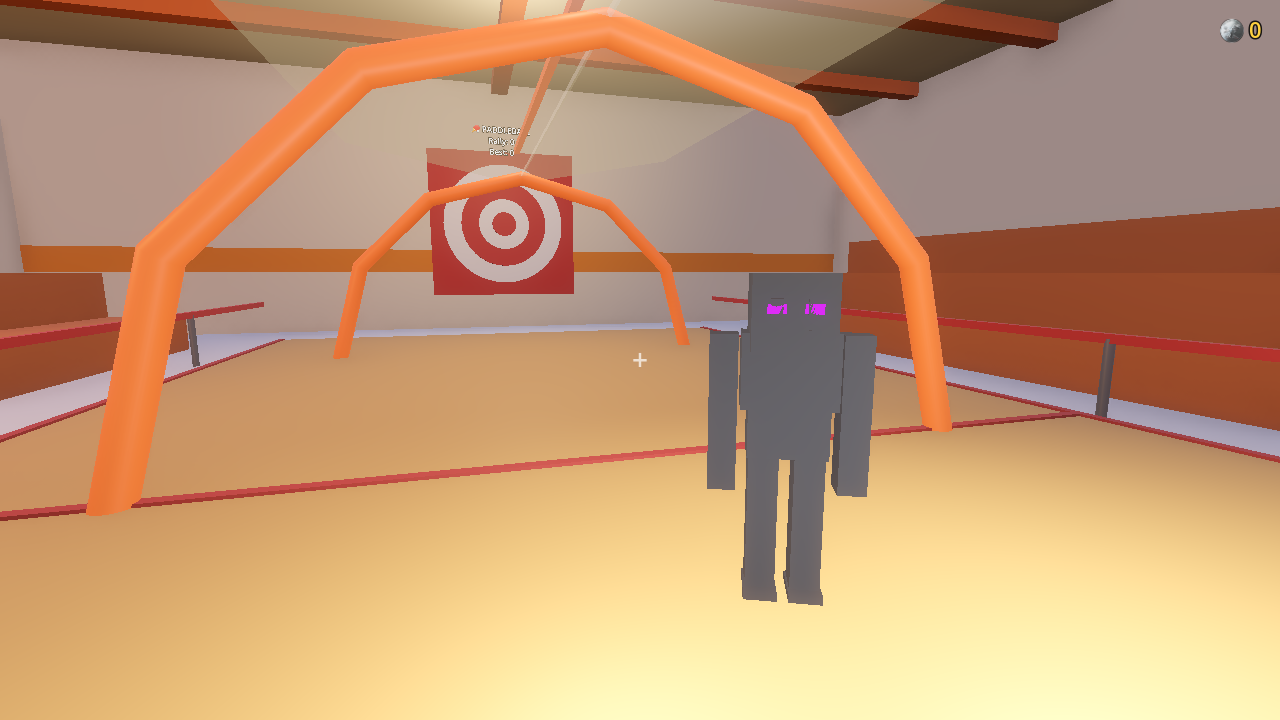
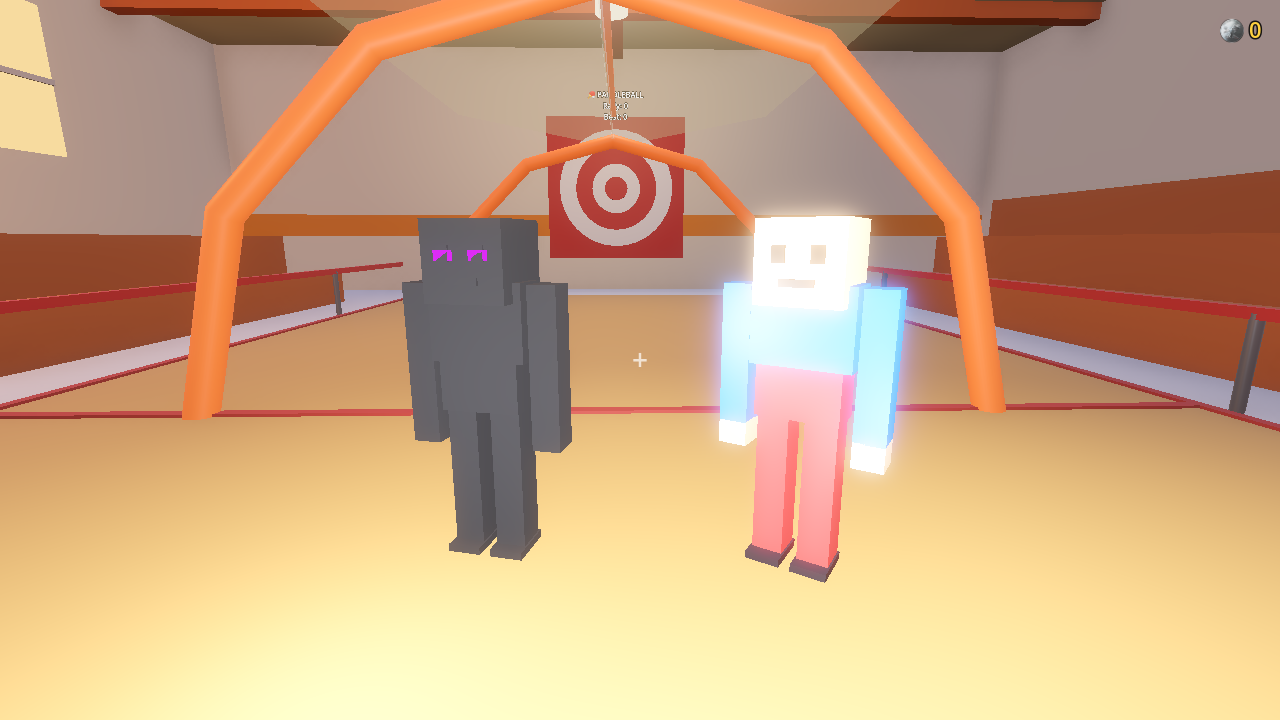
Paddleball minigame in Bloxcraft
Two players hanging out together in Bloxcraft
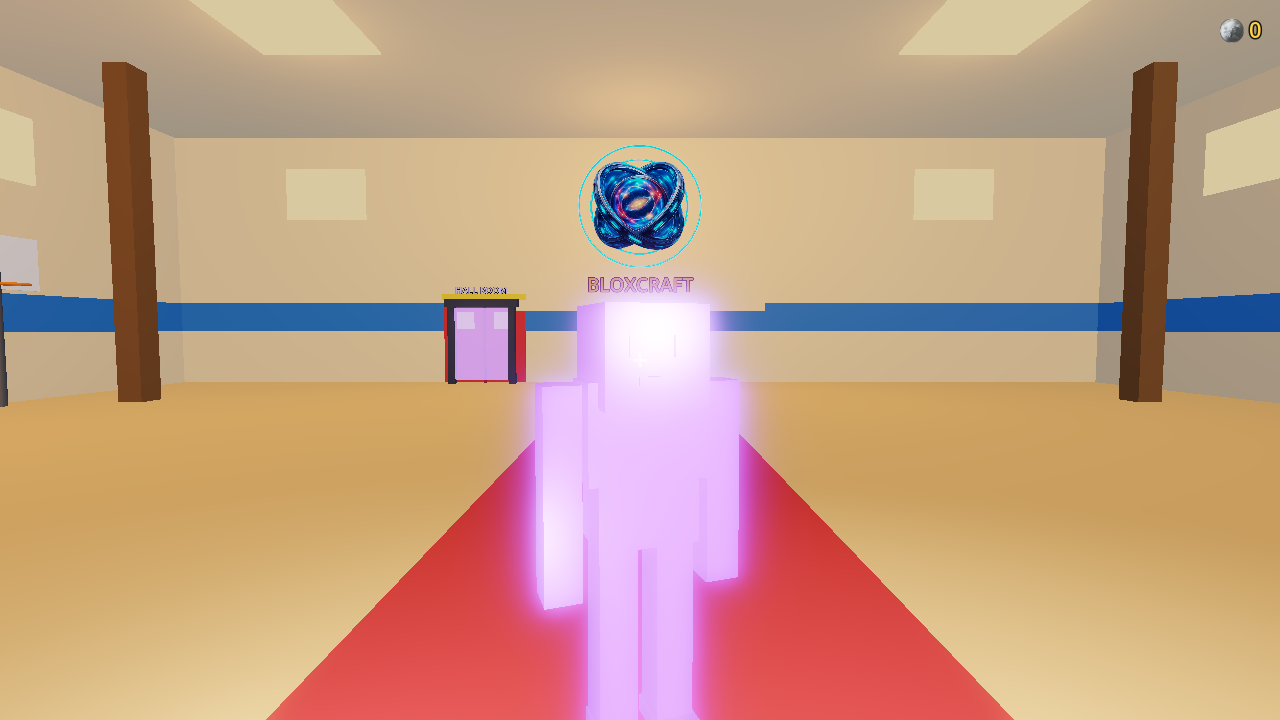
Galaxy avatar skin in Bloxcraft
Coming Soon

Season 1: Powers & Moves

A full battle pass with free and premium tracks, plus brand-new avatar powers you'll be able to use in every room.

💨 Dash 🚀 Rocket Launch ⚡ Sprint 🌱 High Jump ☁️ Glide ✈️ Exclusive Flight (Season 1 only)
▶ Play Free Now
What's inside

Everything to do in Bloxcraft

One world, one server — everyone plays together.

🎨

Avatar Customization

Pick your colors, shirt, pants and head shape at the wardrobe. Everyone sees your look live.

🔫

Laser Tag

Team up red vs blue, grab a laser pistol and battle it out in fast-paced arena matches.

🏐

Dodgeball

Grab a ball, aim, and eliminate the other team. Last side standing wins.

🎯

Paintball

Splatter the arena with color in chaotic paintball skirmishes.

💬

Social Lobby

Hang out in the locker room, chat with everyone, and queue up for games together.

🌐

One Shared World

Every player connects to the same server — no separate lobbies, no matchmaking silos. Everyone's in the same game.

Prefer a native app?

Download for Desktop

Playing instantly in your browser works great — grab the desktop build below if you'd rather install it.

🎮 itch.io

Desktop builds

⚠️ Your OS may show a warning — that's normal, here's how to get past it

Bloxcraft is a small indie game, so it isn't (yet) registered with Microsoft or Apple's app-signing programs. Windows and macOS both flag any unsigned app like this by default — it doesn't mean anything is wrong with the download.

🪟 Windows — "Windows protected your PC"
  1. Click More info
  2. Click Run anyway
🍎 macOS — "Apple could not verify" / "is damaged"
  1. Double-click Bloxcraft — it'll be blocked, click Done
  2. Open System Settings → Privacy & Security
  3. Scroll down — find "Bloxcraft was blocked", click Open Anyway
  4. Enter your password to confirm, then open Bloxcraft again

On macOS Sequoia and later, right-clicking no longer works — this Settings route is required. (Only needed the first time.) The "Open Anyway" button disappears about an hour after the blocked attempt — if it's gone, just double-click Bloxcraft again to bring it back.